
Chapter 3 - Creating a Tatreez Pattern
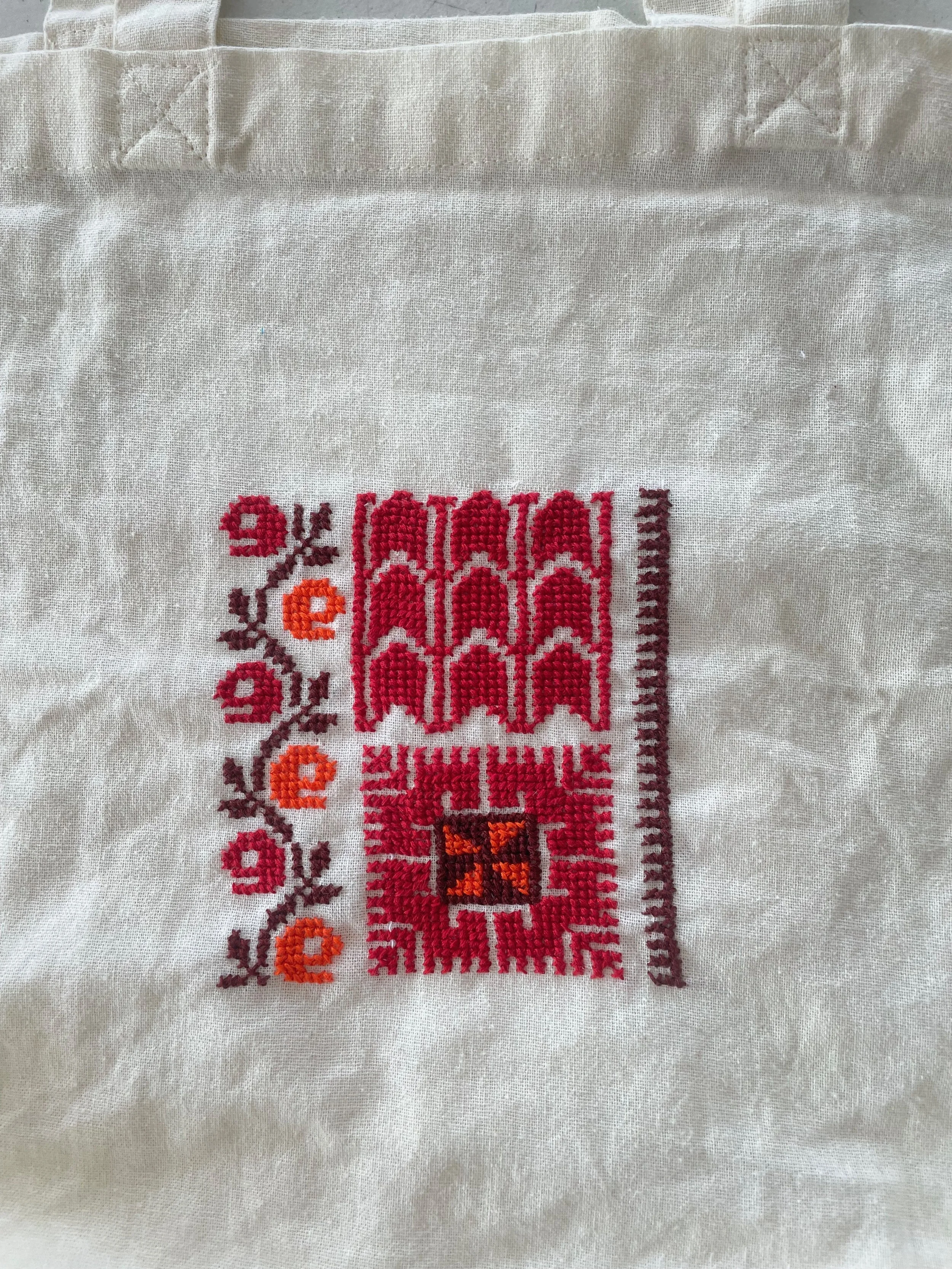
Before creating your design and starting to stitch, it's important to plan your layout and set clear borders for your project. This step ensures your design is centered, properly spaced, and stitched with intention. In this lesson, you’ll learn how to calculate the placement of your motif and prepare your Aida cloth for stitching.
1. Understanding Fabric Count
When creating your Tatreez design, the count of your Aida cloth or waste canvas determines how many stitches fit within one inch. This number is crucial for calculating how large your stitched design will be.
From our Tatreez Materials chapter, we know:
Aida cloth labeled “11-count” means there are 11 stitches per inch.
To calculate your stitch count, multiply your fabric count by the size (in inches) you want your final stitched design to be.
Example:
Fabric Count: 11-count Aida
Desired Design Size: 5 x 7 inches
Stitch Count: 11 x 5 = 55 stitches (width) & 11 x 7 = 77 stitches (height)
This gives you a stitching area of 55 x 77 stitches.
Important: Always confirm that your fabric has the same number of stitches per inch both horizontally and vertically—some fabrics can be slightly off.
Tip: Measure twice, cut once!
Getting your sizing right from the beginning saves you time and stress later on.
2. Add Margin Space Around Your Design
Your fabric should always be bigger than your pattern
You'll need extra fabric around your stitched area for several reasons: to avoid stitching too close to the edge, to make handling the fabric easier while stitching, and to leave room for finishing (framing, sewing, hooping, etc.).
Recommended Margin: Add 2–3 inches on each side of the stitched area.
Continuing our example:
Stitched Design Size: 5" x 7"
Adding 3" Margins on Each Side:
→ Final Fabric Size = 8" x 10"